Instagram is where your audience discovers you — but discovery alone doesn't pay.
The creators earning consistently from Instagram share one habit: they give interested followers a direct, frictionless path from a post to a purchase. That path runs through the link in their bio.
Here's how to sell digital products from your Instagram bio, step by step.
Why Sell Digital Products From Your Instagram Bio?
Digital products — guides, templates, presets, courses, workout plans — are the most natural first product for creators. You create them once and sell them repeatedly, with no inventory or shipping.
Instagram is the ideal storefront window for them:
- Your content already demonstrates the expertise the product packages
- Followers who engage with a post are pre-qualified buyers
- Stories, Reels, and comments give you daily chances to point at your bio
- A single link can carry your whole catalogue
The bio link matters because Instagram allows exactly one clickable destination. Everything you sell has to be reachable from it.
How Bio Link Tools Help You Sell
Remove friction between attention and purchase
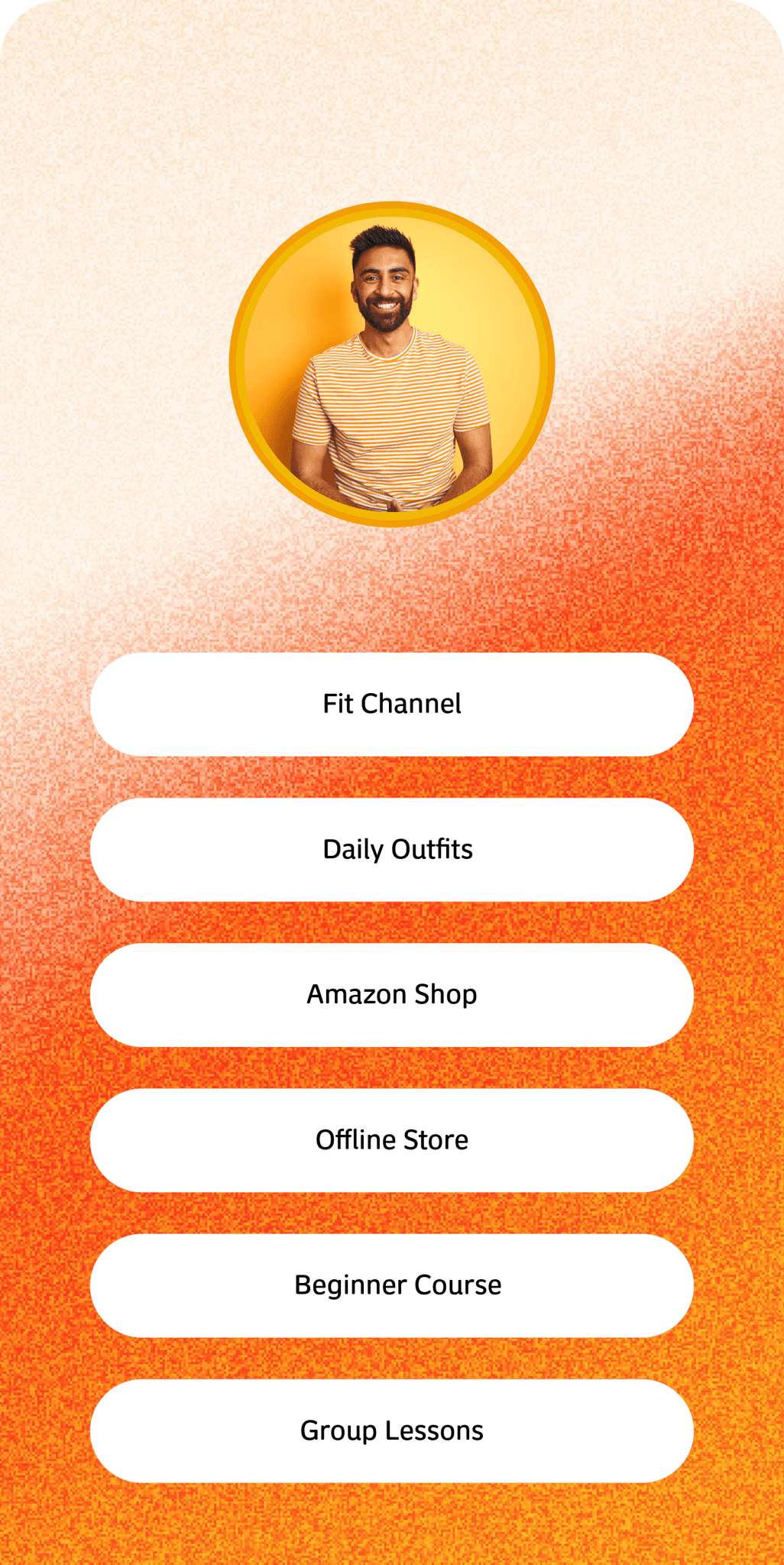
Sending followers to a generic website homepage loses most of them. A creator-focused bio page keeps the journey short:
Someone watches your Reel, visits your profile, taps your link, sees the exact product the Reel mentioned, and checks out — all inside a minute.
A good bio link tool handles the storefront (product images, descriptions, pricing), the checkout, and the delivery email automatically. You never manually send a file or chase a payment.
How to Set Up Your Instagram Bio to Sell
- Create your page. Add your branding, a short line about who you help, and your social links.
- Add your product. Upload the file, write an outcome-focused description, set the price.
- Order the page. Your current product first, supporting links below it.
- Point your bio at it. One link, kept stable — you update the page, not the bio.
- Announce it in content. A Reel that solves part of the problem, with the full solution in your bio.
Keep the product specific. "Content calendar template for food creators" sells better than "creator resources".
Turn Comments Into Sales With Auto DM
From a comment to a conversation, automatically
Most viewers never visit your profile — the scroll moves too fast. Comment-triggered DMs flip the journey: instead of hoping viewers find your bio, you deliver the link to them.
Post a Reel and invite viewers to comment a keyword:
Comment "GUIDE" and I'll send you the link.
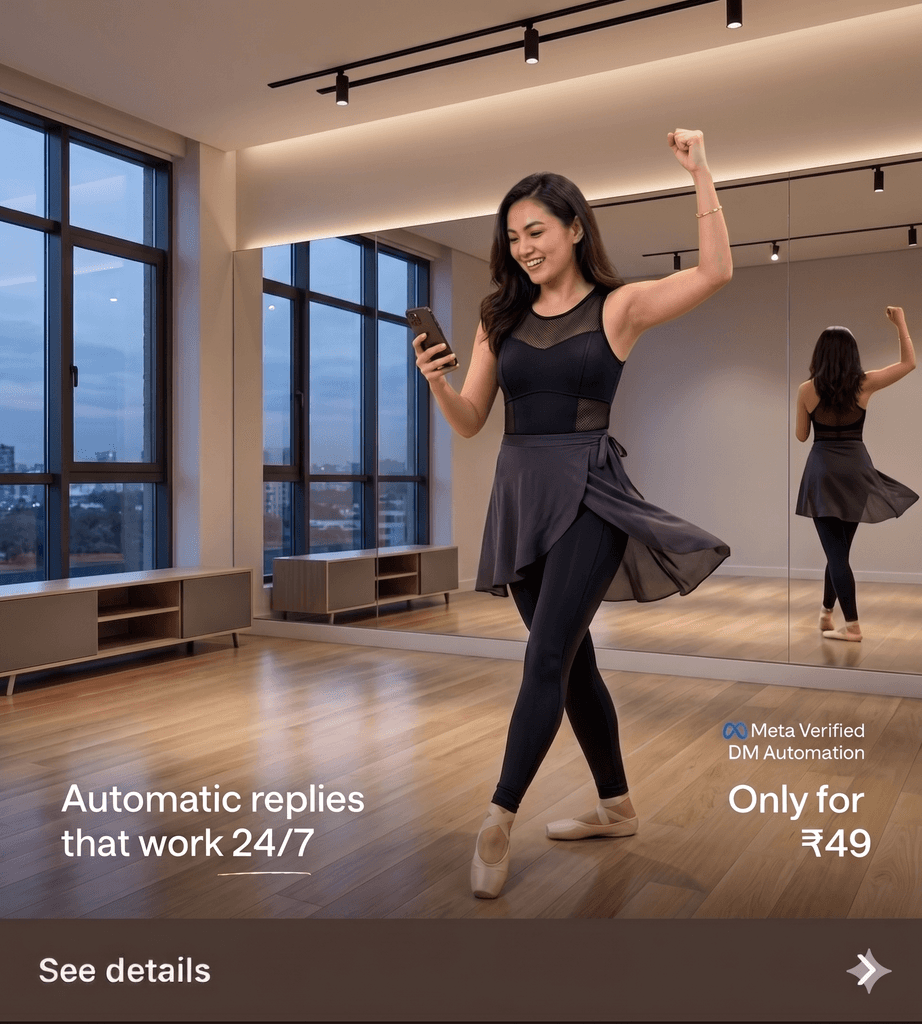
Auto DM replies to each commenter instantly with your product page. Comments also boost the post's reach, which brings more commenters — a loop that compounds while you're offline.
Why SuperYou Is Built for This
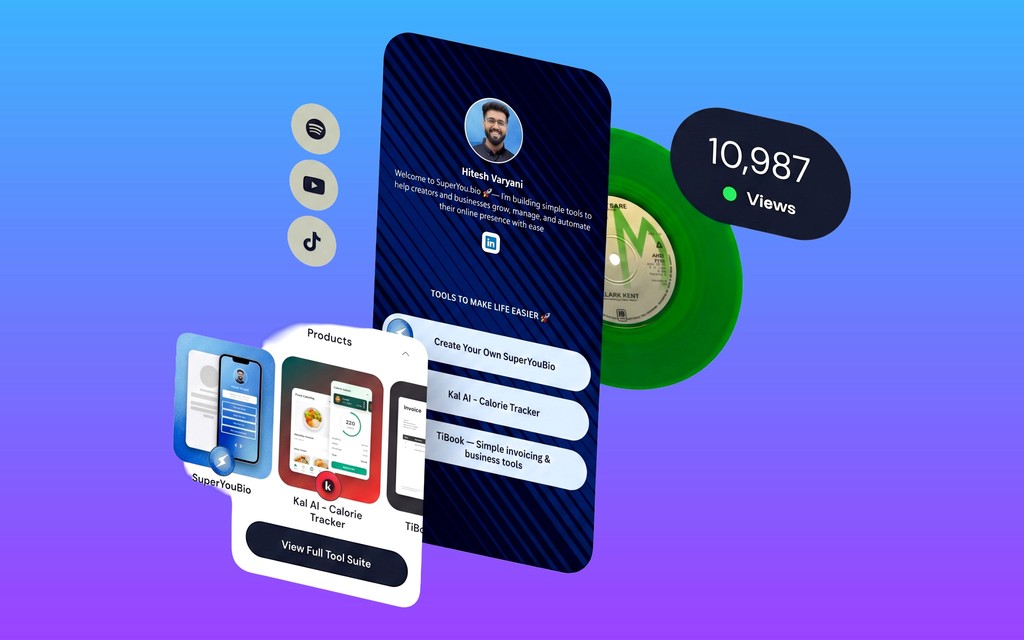
SuperYou puts the whole system in one place: a bio page that showcases your products, checkout and delivery handled for you, forms to capture buyers who aren't ready yet, and Instagram Auto DM to convert comments into sales.
Create your page, add your first product, and let your next Reel do the selling.